
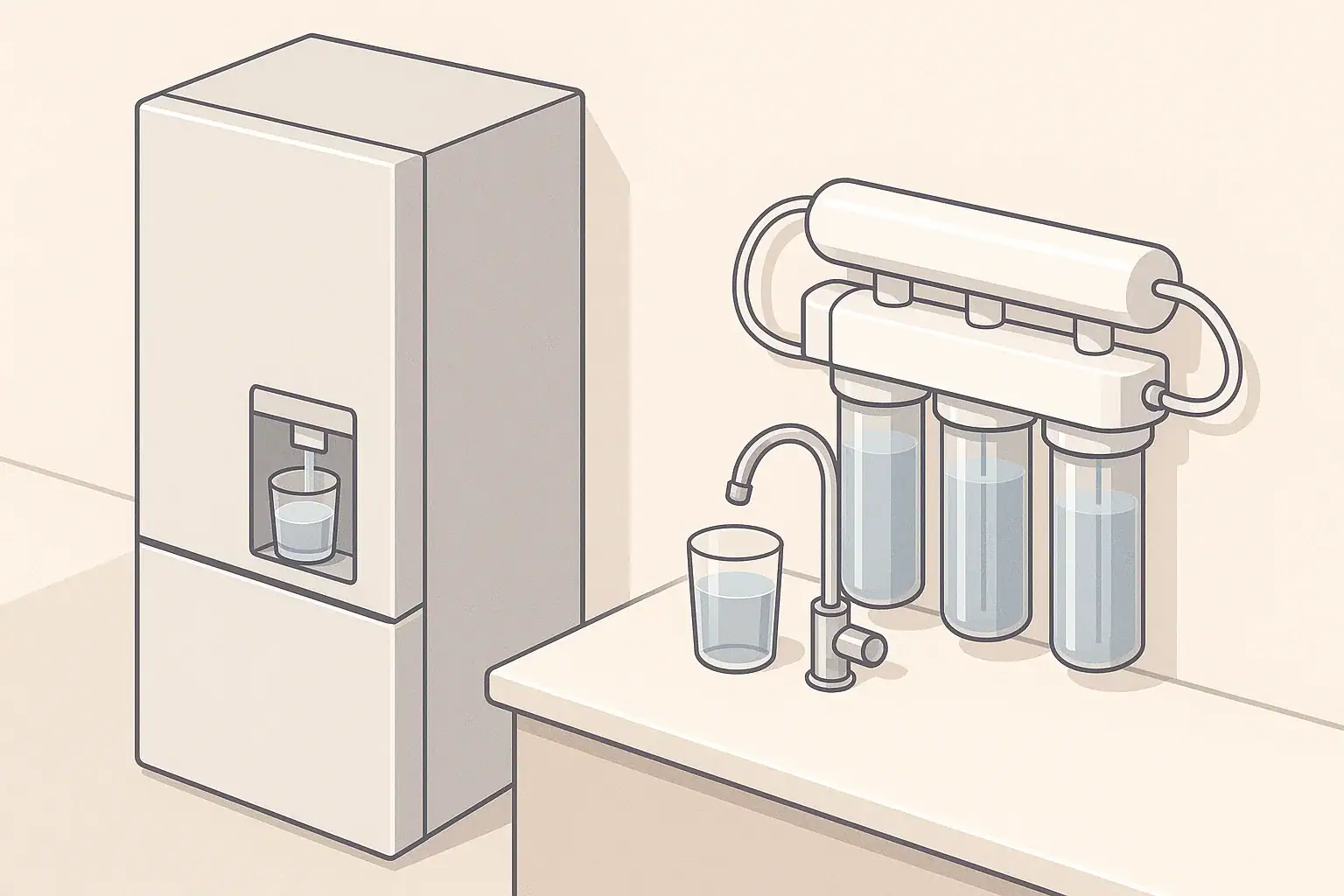
Why Filter Change Indicators Matter
Filter change indicators are simple tools that help you replace water filters on time, without guessing. They do not test your water quality directly. Instead, they use time, estimated water volume, or both to estimate when a cartridge is likely nearing the end of its useful life.
These indicators are common on:
- Refrigerator water and ice dispensers
- Water filter pitchers and dispensers
- Faucet-mount filters
- Under-sink and countertop systems
Resetting the indicator at the right time helps you:
- Stay close to the manufacturer’s recommended replacement schedule
- Avoid drinking water that passes through an overused cartridge
- Avoid throwing out filters too early and wasting money
Because different devices track usage differently, the reset steps and the best practices are not identical across fridges, pitchers, and other systems.
How Filter Change Indicators Work
Most home water filter indicators fall into one of three groups:
Time-based indicators
Time-based systems simply count days after you last reset them. Many refrigerator and pitcher indicators assume a typical household and average water use when they set a schedule such as “replace every six months.” The indicator light or display changes color when that time passes.
Volume-based indicators
Some devices estimate how many gallons have flowed through the filter. This is more common on:
- Faucet-mount filters
- Certain countertop or under-sink systems
- Some premium refrigerator systems
These may track flow using internal sensors or estimate based on how long the water runs. When the estimated capacity is reached, the indicator alerts you.
Manual indicators and dials
Pitchers and dispensers sometimes use very simple systems:
- A slider you set to the month you installed the filter
- A battery-powered counter that you tap every time you refill
- A color-changing strip that is really just a timer, not a water sensor
These systems rely heavily on your habits and attention. They can be effective if you use the product consistently and reset them carefully.
Example values for illustration.
| Indicator type | How it tracks use | Where you see it | Example replacement trigger |
|---|---|---|---|
| Time-based light | Counts days | Refrigerators, some pitchers | About 6 months after reset |
| Volume-based sensor | Estimates gallons | Faucet filters, some under-sink | After example 100–300 gallons |
| Manual refill counter | User taps or slides | Pitchers and dispensers | After example 40 refills |
| Mixed time & volume | Combines both | Some refrigerators and RO systems | Whichever limit comes first |
| Mechanical dial | Manual month reminder | Pitchers, faucet filters | When reminder month arrives |
| Smart app indicator | Time, estimated use, or both | App-connected systems | Notification on phone or display |
These examples are general and not device-specific.
Resetting Filter Indicators on Refrigerators
Refrigerator filters are usually carbon-based cartridges that primarily improve taste and odor and help reduce chlorine. The fridge’s indicator light or display is there to help you follow the estimated life of that cartridge.
Typical steps to reset a refrigerator filter indicator
Exact steps vary, so the appliance manual or a label inside the fridge is the most reliable source. However, many refrigerators follow one of these patterns:
- Press and hold the “Filter Reset” or similar button for a few seconds until the light changes color or turns off.
- Press and hold a combination of buttons (for example, “Ice Type” plus “Filter Reset”) until a chime sounds.
- Use a settings menu on the control panel to select “Reset Filter” and confirm.
The reset should only be done after you have installed a new filter or have followed the manufacturer’s instructions for flushing and reinstalling a reusable cartridge, if applicable.
Common mistakes to avoid with fridge filters
- Resetting without changing the filter: This makes the indicator inaccurate and can leave a spent cartridge in place for too long.
- Ignoring changes in taste or flow: If water tastes different, smells unusual, or flow drops significantly before the light comes on, the filter may be clogging or overloaded. In that case, it is usually best to change it early.
- Extending use too far past the reminder: Occasional delay is common in real life, but waiting many months longer than recommended increases the chance of poorer performance.
- Skipping the flushing step: Many refrigerator cartridges need a few minutes of flushing after installation to remove air and loose carbon fines. Do this before resetting, so the indicator and your replacement date line up with actual use.
When to reset if you rarely use the dispenser
If you have a refrigerator with a filter but usually drink from another source, you have options:
- Follow the time-based recommendation anyway and replace on schedule, then reset.
- Bypass the filter if the fridge allows it safely and you prefer to filter water elsewhere. In that case, follow the appliance instructions for safe operation without a cartridge.
Avoid leaving an old filter installed for years without replacement; even with low use, materials age over time.
Resetting Indicators on Pitcher and Dispenser Filters
Water filter pitchers and countertop dispensers often use simple mechanical or battery-powered reminders. They work best when you pair them with consistent refilling habits.
Common pitcher indicator designs
You may see:
- Manual date dials: A small wheel where you set the month when the filter should be replaced. There is no automatic alert; you check it visually.
- Electronic countdown indicators: A button you press after changing the cartridge; an internal timer counts down based on an assumed number of uses.
- Fill-based counters: Indicators that ask you to tap a button each time you fill the reservoir. After a preset number of fills, the light reminds you.
How to reset a pitcher filter indicator
Typical reset steps include:
- Install a new filter and flush it according to the instructions.
- For date dials, rotate the wheel to the current month plus the recommended number of months of use.
- For electronic timers, press and hold the indicator button until a specific light flashes or changes color.
- For fill counters, follow the manual to reset the count back to zero after installing a new cartridge.
Because these indicators assume typical refilling patterns, heavy users may reach the functional limit of the filter before the indicator shows a reminder, while light users may find the reminder appears early. Use your own observation of taste and flow to make small adjustments when needed.
Best practices for pitcher filter tracking
- Write the installation date on a small sticker or on the pitcher bottom with a removable marker.
- Compare the indicator’s reminder to the printed guideline on the filter package (for example, a certain number of gallons or refills).
- If water starts to taste different or flow slows down clearly before the indicator triggers, consider changing earlier and resetting.
Resetting Faucet, Countertop, and Under-Sink Filter Indicators
Beyond fridges and pitchers, many point-of-use systems include lights or displays that estimate when the cartridges need attention.
Faucet-mount filter indicator resets
Faucet filters often have small lights that change color based on estimated flow. Typical reset steps are:
- Remove the old filter cartridge and install a new one, making sure seals are seated properly.
- Open the tap to flush according to instructions.
- Press and hold a reset button on the filter body until the light briefly flashes or returns to a “good” color.
Because faucet filters can be turned on and off for drinking water only, the indicator may track more closely to actual use than a simple time-based reminder.
Countertop and under-sink systems
Some countertop and under-sink systems include more advanced monitoring, but the basic concepts are similar:
- Time-only modules: Replace cartridges according to months of use and reset with a small button.
- Flow-based modules: Sensors estimate total gallons; a display or light signals when capacity is reached. Resetting usually involves a button sequence after new cartridges are installed.
- Multi-stage systems: Different stages (sediment, carbon, membrane, polishing filter) may have separate recommended intervals; the indicator may track the most frequent one.
Always follow the specific sequence in the manual: shut off feed water if required, replace and flush cartridges, check for leaks, then reset indicators. Do not reset before verifying that the system is operating normally.
Coordinating multiple indicators
Some homes have several devices with their own reminders: a fridge, a pitcher, and maybe an under-sink unit. To simplify life:
- Keep a small note on the inside of a cabinet door with the last replacement dates for all devices.
- When you reset an indicator, write down the expected next replacement window as well.
- If devices have similar intervals, you can choose to align changes to a single month to make them easier to remember, as long as you do not greatly exceed recommended limits.
When Not to Reset a Filter Indicator
Resetting does not improve the filter itself; it only changes the timer. Certain situations call for replacing the cartridge first, then resetting, even if the light has not yet turned on.
Situations where you should change the filter early
- Noticeable taste or odor change: If your water suddenly tastes or smells different from its usual pattern, it is often safer to change the cartridge and follow up by checking your water source if the change persists.
- Sharp drop in flow rate: Sediment or particulate can clog filters faster than expected. A major flow reduction can be a sign that the filter is loaded.
- Visible discoloration in the filter housing: Unusual buildup, cloudiness, or debris in a clear housing can indicate that the cartridge is overdue, even if the indicator has not reached its limit.
- After plumbing work or well maintenance: Heavy sediment or disturbance can quickly overload filters. An early change may be appropriate.
In these cases, avoid pressing reset until after you have actually replaced or properly serviced the filter according to the manufacturer’s directions.
Why you should not bypass or defeat indicators
Some users are tempted to disable reminder lights or ignore them entirely. Indicators are not perfect, but they provide a useful baseline. Turning them off or covering them can make it harder to notice when you have gone far beyond recommended intervals.
If the indicator seems inaccurate, it is often better to combine it with your own tracking method rather than trying to defeat it.
Backing Up Electronic Indicators with Your Own Tracking
Electronic indicators can fail: batteries die, sensors malfunction, and panels can be hard to read. Maintaining a simple manual backup can prevent confusion later.
Simple tracking methods you can use
- Calendar reminders: Add recurring events to a paper or digital calendar based on the recommended months of use for each filter.
- Labeling cartridges: Write the installation date directly on the filter housing or on a nearby surface with a removable marker.
- Household log: Keep a small logbook or note sheet near the kitchen with dates and brief notes like “fridge filter changed” or “under-sink carbon stage changed.”
Adjusting intervals for your water and usage
Manufacturer recommendations are based on typical water quality and household size. Real-world conditions vary:
- Heavier water use or more people in the home can shorten practical filter life.
- Very clean municipal water may allow you to stay closer to the upper end of recommended intervals.
- Well water or water with higher sediment may require more frequent prefilter changes to protect the main cartridges.
Use indicators as a starting point, then adjust replacement timing gradually based on taste, odor, and flow, while staying within the general guidance provided for the filter type.
Example values for illustration.
| Device | Typical indicator basis | Example baseline interval | What to write in your log |
|---|---|---|---|
| Refrigerator dispenser | Time-based light | About every 6 months | “Replaced fridge filter – next check in 6 months” |
| Pitcher filter | Manual or electronic reminder | Every 1–3 months | “New pitcher cartridge – monitor taste and flow” |
| Faucet-mount filter | Estimated gallons used | After example 2–3 months | “Faucet filter reset – replace by early summer” |
| Under-sink carbon stage | Time or volume module | Every 6–12 months | “Under-sink carbon changed – check again next year” |
| Under-sink sediment prefilter | Visual or pressure drop | Every 3–6 months | “Sediment filter replaced – note if flow improves” |
| Countertop system | Time or usage setting | Every 3–6 months | “Countertop filter reset – follow indicator + calendar” |
Use your system’s actual manual for specific limits.
Frequently asked questions
How often should I reset my refrigerator water filter indicator?
Follow the manufacturer’s recommendation for your model (many are around six months). Only reset after installing and flushing a new cartridge so the timer matches actual use, and adjust timing based on your household’s water use and quality.
Can I reset the indicator without changing the filter?
No. Resetting without replacing or properly servicing the cartridge makes the indicator inaccurate and can leave an exhausted filter in place. Always change or service the filter first, then reset.
What should I do if the indicator won’t reset or the light stays on?
First confirm you followed the correct reset sequence and that the new filter is seated and flushed. For battery-powered indicators, check or replace the battery. If the problem continues, consult the appliance or filter manual for troubleshooting steps.
How can I keep track of multiple filters in my home?
Use simple backups: mark installation dates on filters, add calendar reminders, or keep a small log inside a cabinet. Aligning replacement months can simplify schedules as long as you don’t exceed recommended limits.
Related guides: Replacement Planner Basics: Estimate Your Next Filter Change Date • Cleaning and Sanitizing Filter Housings: A Simple Routine • Cartridge Change Mistakes That Cause Leaks • Annual Filter Replacement Cost Checklist (By Filter Type)
Recommended next:
- Replacement Planner Basics: Estimate Your Next Filter Change Date
- Cartridge Change Mistakes That Cause Leaks
- Cleaning and Sanitizing Filter Housings: A Simple Routine
- Subscription Replacement Programs: Are They Worth It?
- Long-Life Filters: What “Long Life” Really Means
- How to Store Spare Filters Without Ruining Them
- More in Maintenance & Replacement →
- NSF/ANSI standards explained (42/53/401/58)
- Clear trade-offs: pitcher vs faucet vs under-sink vs RO
- Maintenance planning: cost per gallon and replacement cadence